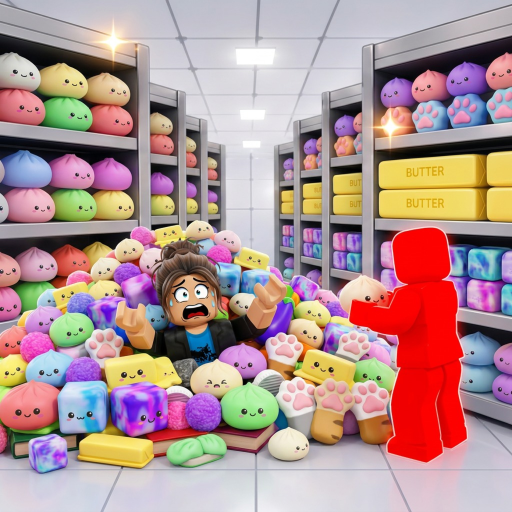
Use upgrades to fix a measured problem
Do one normal cleanup section before spending around a theory. Watch where time is actually lost: moving between areas, handling and switching squishies, locating the next target, or correcting placement mistakes.
Open the current upgrade interface and compare its exact wording with that bottleneck. This approach remains useful even when an update changes prices or adds new choices.
- Complete one repeatable section without changing upgrades.
- Name the slowest part of that section in plain language.
- Read the live upgrade descriptions and choose the option that directly affects that action.
- Repeat the same section and compare the result.
- Keep the upgrade only as a priority if the route becomes meaningfully cleaner or faster.
Magic Ability basics
The official PC controls assign Magic Ability to G. The reviewed source does not define the effect, unlock condition, cooldown, or controller equivalent, so those details should be learned from the current on-screen interface.
Before a timed attempt, trigger the ability in a low-risk section and observe what changes. Save update-sensitive claims until the current client demonstrates the result.
Upgrade mistakes to avoid
- Do not publish or follow a tier list that lacks current in-game names and values.
- Do not assume the most expensive option fixes the route's actual bottleneck.
- Do not change route, team roles, and upgrades at the same time if you want to know what improved the run.
- Do not treat an old screenshot as proof after the Roblox experience updates.